01
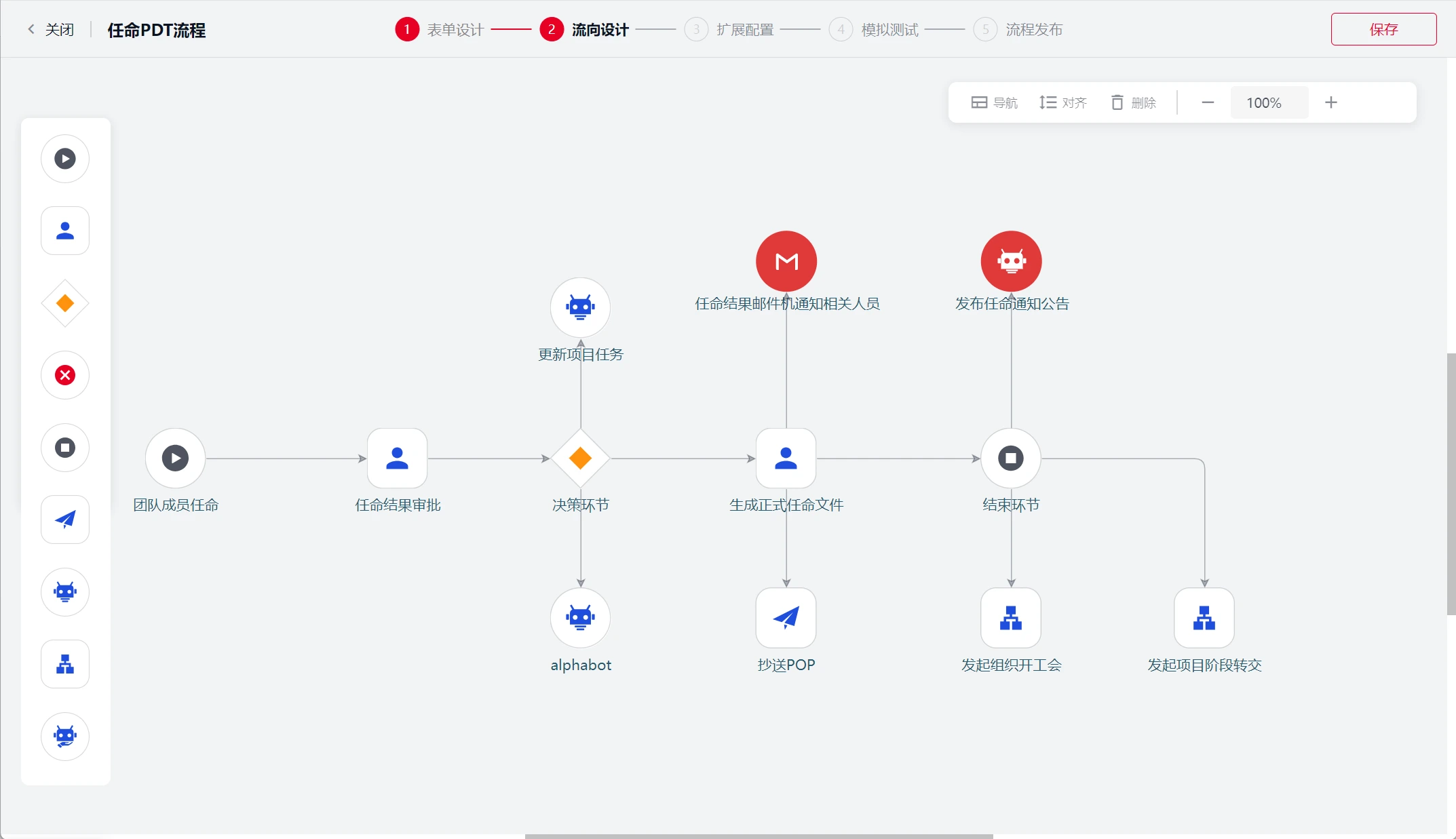
Build and adapt workflows visually
Configure workflows, forms, rules, roles and data in a shared visual model. Let business and IT teams work
together on process changes, reusing standard nodes and integration services to reduce repetitive
development.
02
Run complex business processes
Model conditional branches, parallel work, joint approvals and reusable subprocesses. Coordinate events,
asynchronous messages and callbacks. Support long-running work with timeouts, escalation, retries and
business compensation, with execution history available for audit.
03
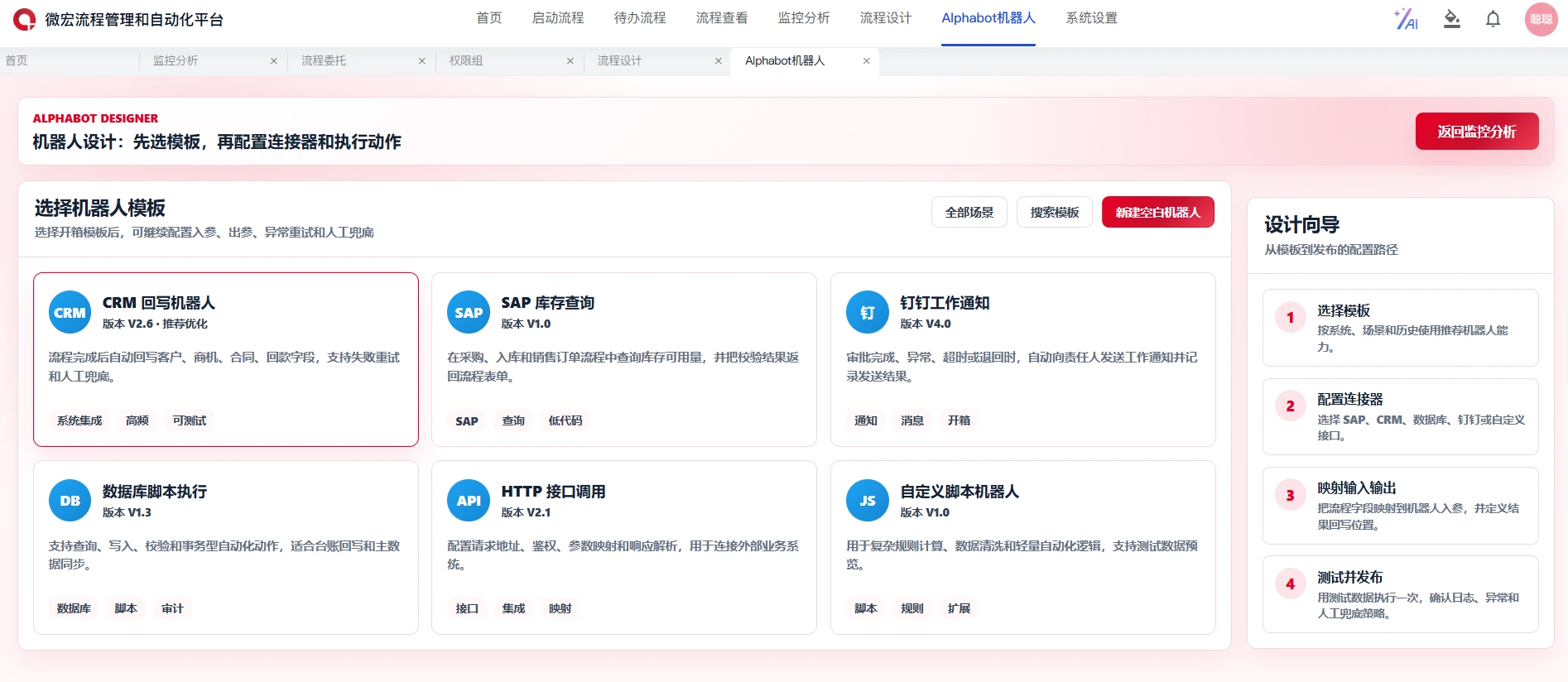
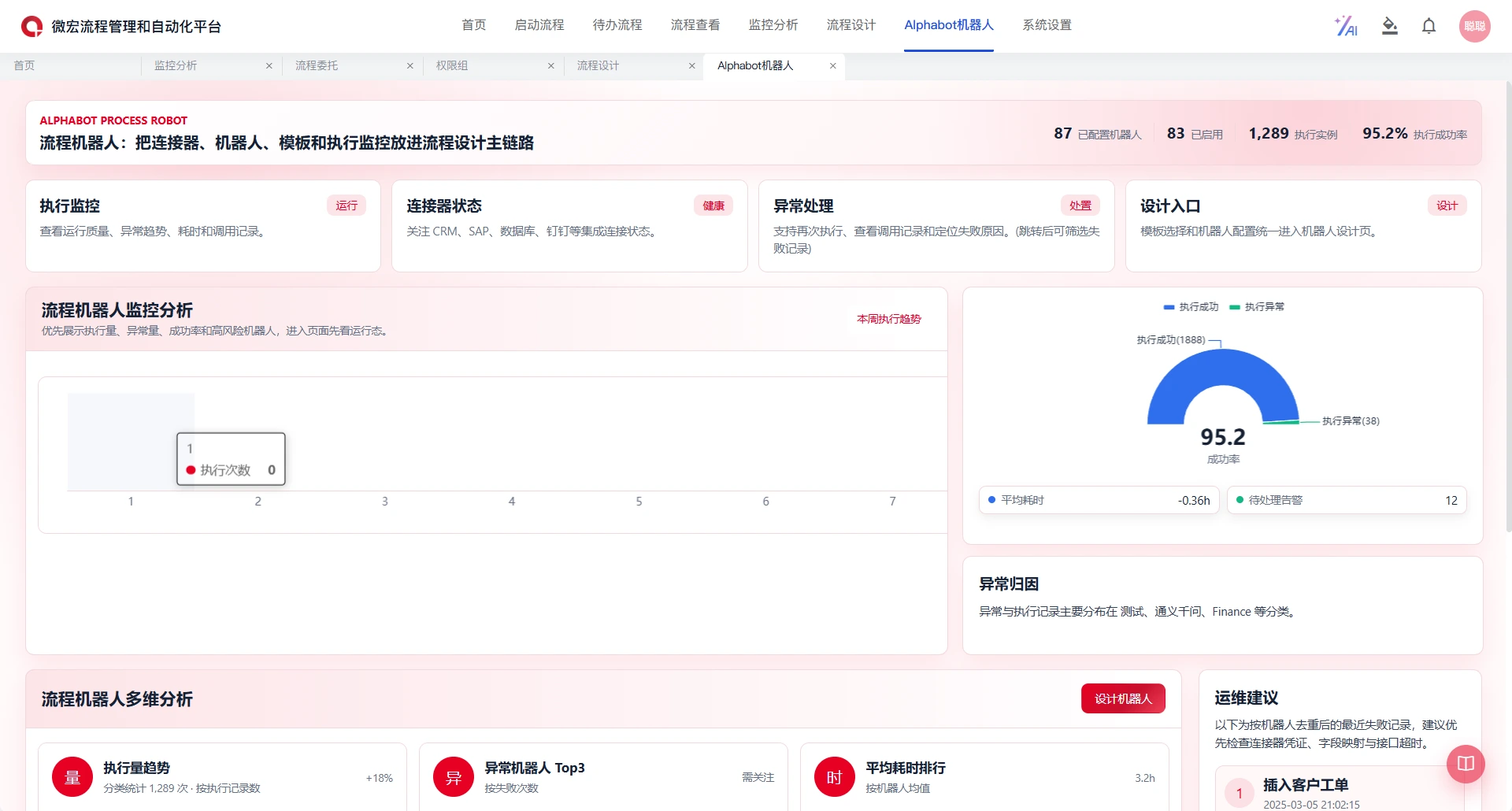
Automate work with AlphaBot
Place reusable process robots inside business workflows to perform repetitive tasks and system actions.
Combine messaging, calculations and rules with services such as OCR, electronic signatures and enterprise
application connections. Monitor execution and provide retry or fallback paths.
04
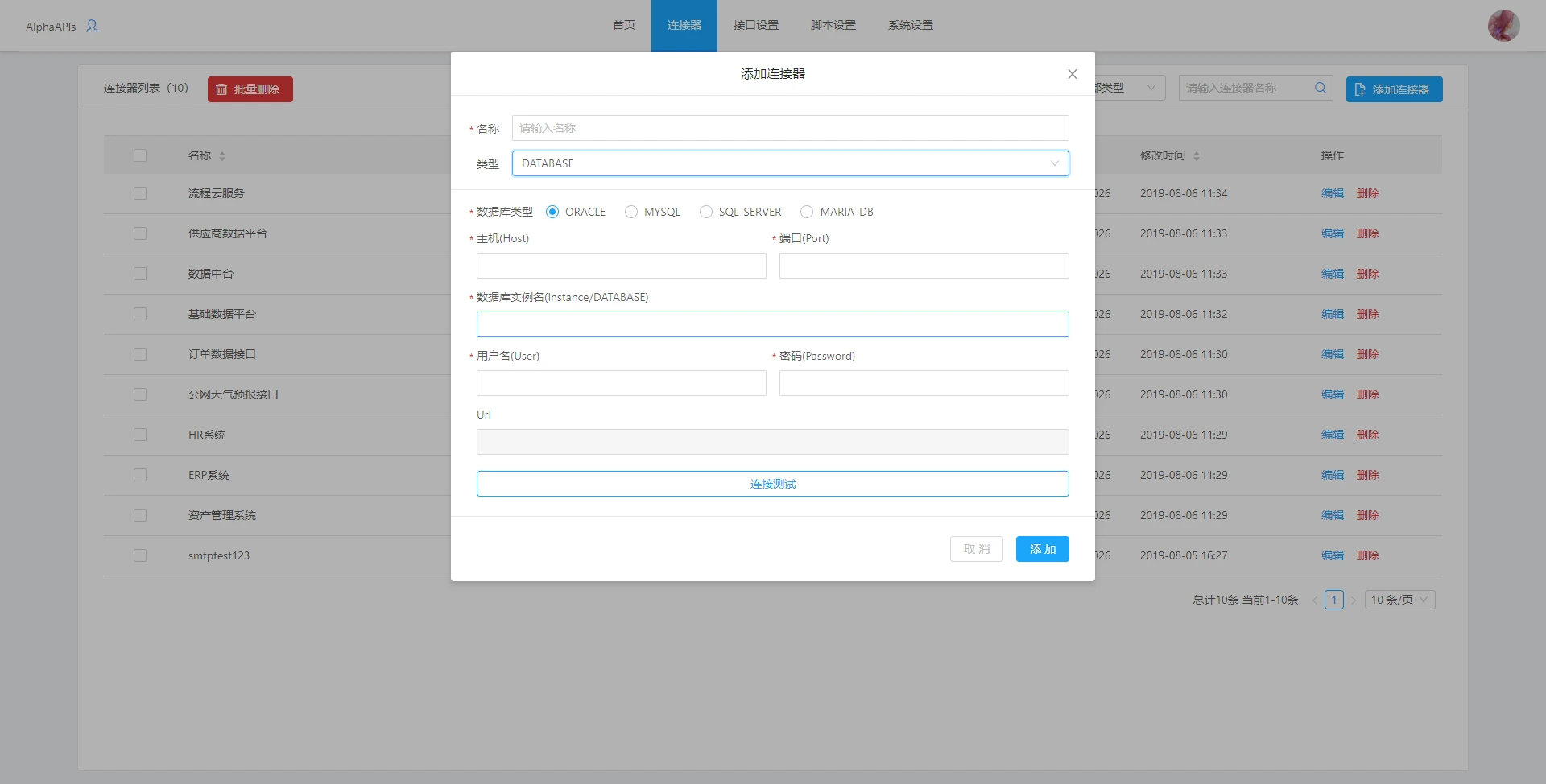
Reuse services across systems
Use iPaaS to manage connectors, credentials and environments. Encapsulate REST, Web Service and database
calls with consistent inputs, outputs, data mappings and exception handling. Reuse these services across
workflows and monitor them centrally.
05
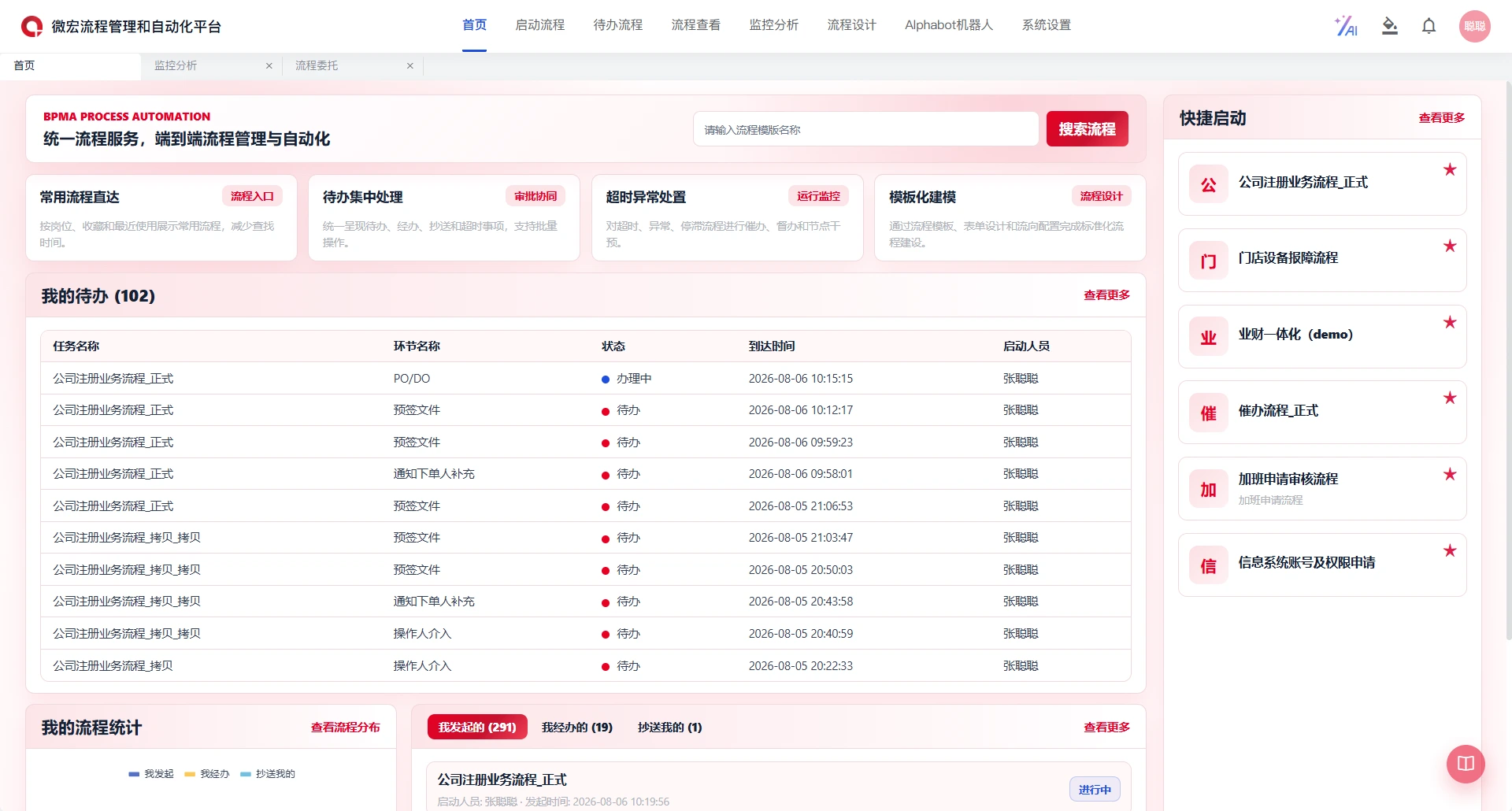
Give teams a common work portal
Unify process initiation, pending tasks, completed work and copied notifications. Support desktop and
mobile access, embedded pages and backend process services. Map group, company, department, position and
role data to permissions for starting, handling, viewing and operating workflows.
06
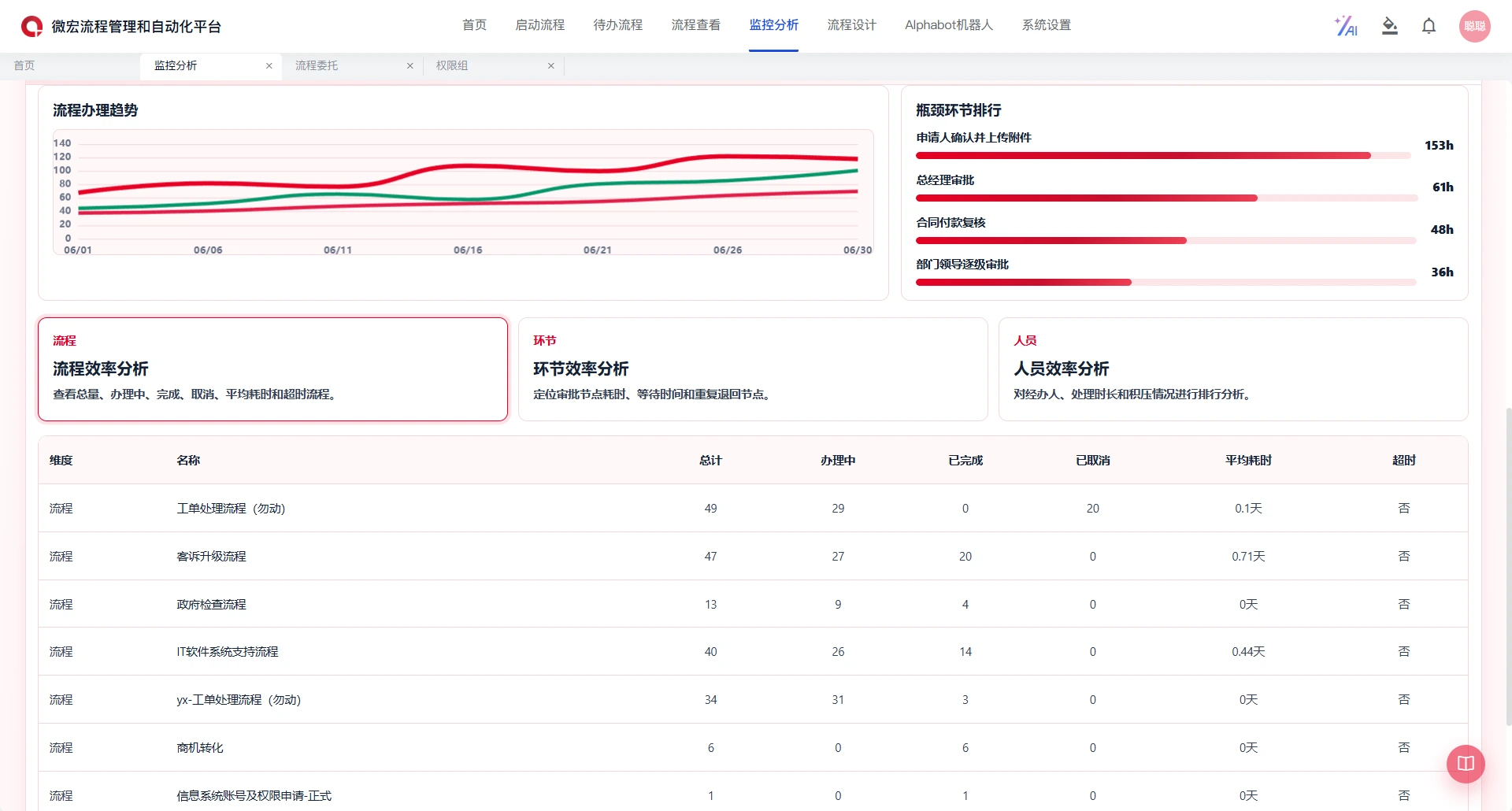
Monitor execution and measure performance
Keep runtime status and operational exceptions visible. Analyze cycle time, waiting time and handling
duration, then investigate recurring timeouts and bottlenecks. Compare organizations, business dimensions
or process versions to assess whether changes improve execution.
07
Bring AI into process work
Combine human tasks, AI agents, rules and system actions within a managed workflow. Use FlowBuddy
assistance for tasks such as process initiation, form preparation, summaries and risk alerts. Define human
review points as part of the workflow and confirm available capabilities for the selected deployment.
08
Connect design, execution and improvement
Turn governed designs from AlphaFlow EBPA into executable workflows, and use BPI findings to prioritize
changes. Start with a focused pilot, migrate or extend processes in stages, and use runtime feedback to
guide ongoing improvement.